How to Make Your Pet Dance with AI: Step-by-Step Tutorial (2026)
Your dog has been waiting for this moment. With AI video generation in 2026, you can now make your pet dance to any choreography in under 90 seconds — no animation skills, no expensive software, just a photo of your pet and a reference dance video. Here's the complete step-by-step guide to make pet dance videos with AI, plus tips for getting Instagram-worthy results on the first try.
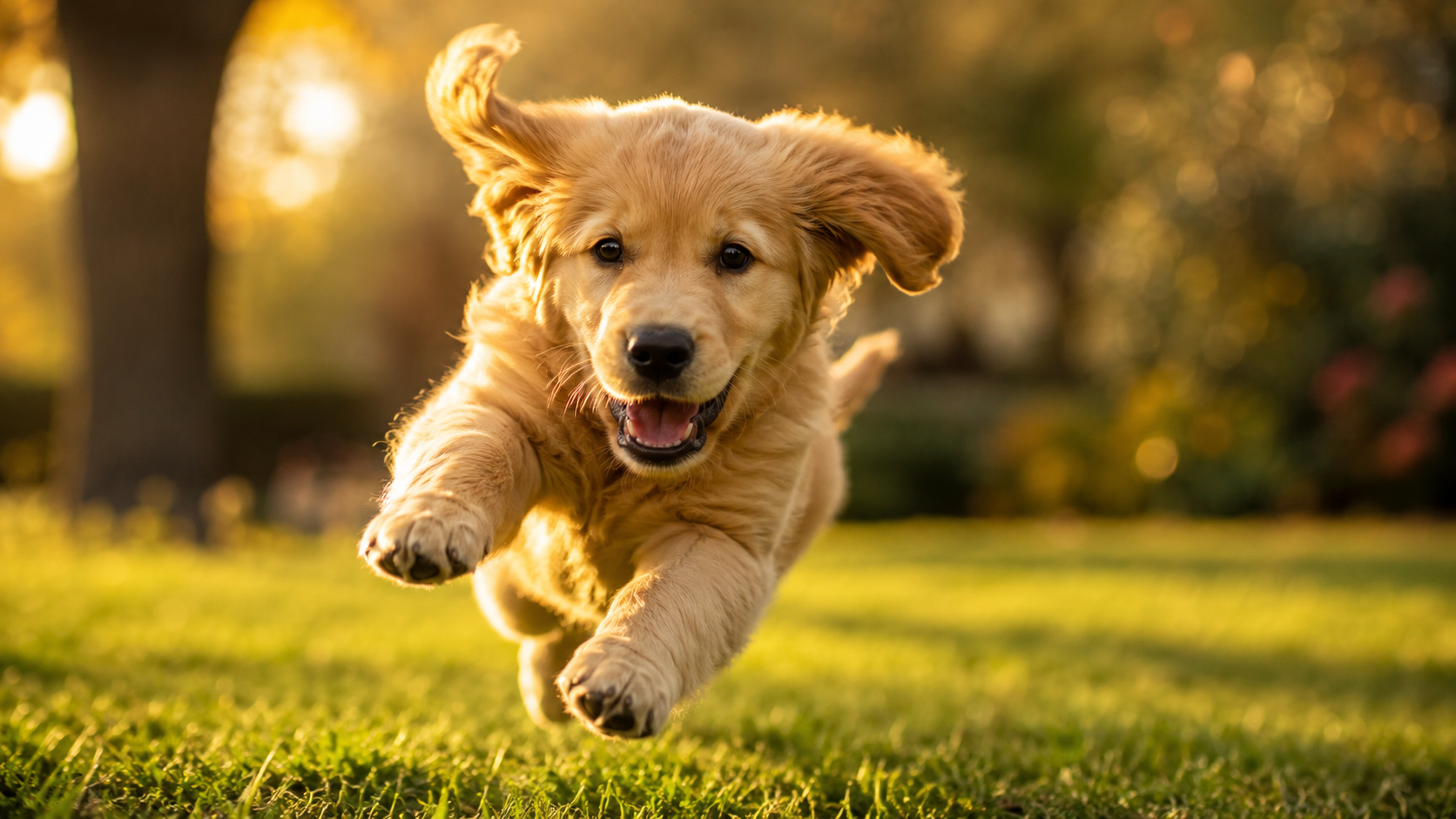
Why AI Pet Dance Videos Went Viral
In late 2025, AI-generated pet dance videos exploded across TikTok, Instagram Reels, and YouTube Shorts. The hashtag #aipetdance racked up billions of views as creators discovered they could turn any pet photo into a dancing video using motion transfer AI.
The viral formula is simple:
- Photo of your pet (standing position works best)
- Reference dance video (K-pop, TikTok dances, even Michael Jackson moves)
- AI motion transfer to combine them
- Share with #aipetdance and watch the views roll in
What used to require professional animators or weeks of ComfyUI configuration is now a 90-second browser task.
What You Need to Make a Pet Dance Video
Required:
- A clear photo of your pet (standing, full body visible)
- A reference dance video (5-10 seconds works best)
- An AI video generator with motion-transfer support
- About 5 minutes total
Not required (despite what some tutorials claim):
- A high-end GPU
- ComfyUI installation
- Video editing software
- Animation experience
Step-by-Step: Make Your Pet Dance in 5 Minutes
Step 1: Take the Right Pet Photo
The photo of your pet is the most important factor for great results. Follow these rules:
✅ Good pet photos for AI dance generation:
- Full body visible (head to feet/paws)
- Pet standing or in a neutral pose
- Bright, even lighting
- Plain or simple background
- Pet looking toward camera or slightly off-camera
- High resolution (at least 1024×1024)
❌ Avoid:
- Photos where pet is lying down or sleeping
- Cluttered backgrounds
- Multiple pets in one frame
- Pet partially out of frame
- Very dark or backlit photos
- Action shots (paradoxically — AI needs a still subject to animate)
Pro tip: If you don't have a good photo, ask your pet to "sit" or "stay," then photograph from a slight upward angle to make their body fully visible.
Step 2: Choose Your Reference Dance
Find a short dance clip you want your pet to perform:
Best sources:
- TikTok trending dance challenges (download with a TikTok downloader)
- K-pop dance practice videos on YouTube (5-10 second clips)
- Free dance footage on Pexels or Pixabay
- Stock dance videos from Mixkit (free)
Reference video tips:
- Keep it short (5-10 seconds maximum)
- Camera mostly static (no rapid zooming)
- One dancer in frame (full body visible)
- Simple background
- Clear, distinct movements (not too fast)
For pet dance videos specifically, moderate-tempo dances work better than fast choreography. Your pet's body proportions will need to map onto the dancer's skeleton — overly fast or acrobatic moves can produce weird artifacts.
Step 3: Generate the Video
The easiest path uses VideoCreate's Wan Animate model (no installation, browser-based):
- Go to VideoCreate.org/create and sign in (free trial credits available)
- Select Wan Animate from the model dropdown
- Upload your reference dance video
- Upload your pet photo
- (Optional) Add a prompt like "small dog dancing in a sunny park"
- Click Generate
- Wait 60-90 seconds while the AI works
- Download your pet dance video
The AI uses motion estimation to extract the dancer's skeleton movement from your reference, then "wraps" your pet's body around that skeleton frame by frame.
Step 4: Share and Iterate
Got a great result? Share it. Got a so-so result? Try these iterations:
- Different reference dance: simpler choreography works better
- Better pet photo: more important than people realize
- Try Kling 3.0 motion control instead: similar capability, slightly different style
- Generate multiple variations: VideoCreate lets you try different models with same credits
Tips for Going Viral with AI Pet Dance Videos
If your goal is social media reach, here's what's working on TikTok/Reels in 2026:
Format that wins:
- 5-7 second videos (perfect for Reels/Shorts/TikTok)
- Trending audio overlay (use TikTok's trending sound feature)
- Captions with personality (your pet's "perspective")
- Hashtag mix: #aipetdance #petsoftiktok #aivideo + your pet's breed
Content angles that perform:
- Your pet "performing" a famous dance (K-pop, TikTok challenges)
- "When my dog learns the choreography..." setup
- "POV: my cat takes dance class"
- Recreating a celebrity dance with your pet
Posting strategy:
- Post during your audience's peak hours (typically 7-9 PM local)
- Use 3-5 hashtags (not 30 — algorithm favors curated tags now)
- Engage with comments quickly after posting
- Repost on multiple platforms (TikTok → Reels → Shorts)
Make Pet Dance AI vs Manual Animation
Why are AI pet dance videos so much better than animating manually?
| Method | Time per video | Skill required | Quality | |---|---|---|---| | Manual frame-by-frame | 10-40 hours | Professional animator | Excellent | | Stop-motion with real pet | 2-8 hours | Patient handler | OK | | ComfyUI setup + generation | 1-2 weeks initial setup + 30 min/video | Technical | Good | | Browser AI (VideoCreate) | 5 minutes | None | Good |
For social media content where you need volume + speed, browser-based AI wins decisively. The output isn't quite Pixar quality, but it's plenty good for Instagram Reels.
Common Issues with AI Pet Dance Videos
"My pet's face changes during the video"
The AI struggled to maintain identity through complex motion. Solutions:
- Use a shorter output (5 seconds instead of 10)
- Higher resolution pet photo
- Simpler reference dance
- Try a different AI model (Kling 3.0 sometimes handles identity better)
"The pet's legs look weird/extra"
Skeleton mapping mismatch (your pet's body shape doesn't perfectly match the human dancer's). Solutions:
- Choose reference dances with less leg movement
- Use a pet photo from a more frontal angle
- Try "Dog" or "Cat" specific dance reference videos if available
"Background looks distorted"
The AI is filling in details it can't see. Solutions:
- Use a pet photo with very simple background
- Or accept the AI's interpretation as creative license
"Content moderation blocked my upload"
Most platforms block content involving:
- Copyrighted celebrity dances → use generic dance footage instead
- Branded/copyrighted music in reference → strip audio from reference first
- Very young children near pet → AI moderation false positives
VideoCreate's content moderation is calibrated for legitimate pet content — most genuine pet dance use cases pass through fine.
Beyond Dance: Other AI Pet Video Ideas
The same motion-transfer technique works for many pet video use cases:
- Pet workout videos — your dog "doing" yoga or pushups
- Pet "talking" videos — speech-to-video with your pet's photo
- Vintage-style pet portraits — old film aesthetic with subtle motion
- Pet memorial videos — gently animate photos of pets who've passed (use respectfully)
- Cross-species transfer — your guinea pig "dancing" like a flamingo
Read our ComfyUI dance tutorial for the deeper technical details on how motion transfer works.
How Much Does AI Pet Dance Video Cost?
If you're using the VideoCreate browser approach, here's the math:
- Starter pack: $4.99 = 50 credits = ~10 pet dance videos
- Pro pack: $14.99 = 200 credits = ~40 pet dance videos
- Studio pack: $39.99 = 600 credits = ~120 pet dance videos
Each Wan Animate video uses 8-12 credits depending on duration and resolution. For most creators making content for fun or social media, the Pro pack lasts months.
Compare to alternatives:
- Pollo.ai subscription: $29/month minimum
- Runway: $12-76/month
- DIY ComfyUI: free in cash but $1500+ GPU + electricity
For occasional pet dance video creation, pay-as-you-go credits beat every subscription model.
Pet Safety Note
AI pet dance videos are made entirely digitally — your real pet doesn't need to do anything except sit for one photo. This is much better for them than real-life "dance training" or stress-inducing performance setups. The viral pet dance trend is genuinely pet-friendly because the pets themselves are never asked to do anything.
That said: please don't dress your pet in costumes or pose them for hours just to get a "perfect" reference photo. Standing pose, 5 seconds, treat reward. Easy.
Get Started Now
Ready to make your first AI pet dance video?
- Sign up for VideoCreate (free trial credits, no credit card)
- Take a clear standing photo of your pet
- Pick a 5-10 second reference dance video
- Select Wan Animate, upload both, click Generate
- Share with #aipetdance and tag @videocreate.org if you want a feature
90 seconds from now, your pet could be the next viral TikTok star.
TL;DR: Make your pet dance with AI in 5 minutes using motion-transfer technology like Wan Animate. Take a clear pet photo, pick a reference dance video, upload to VideoCreate, generate, share. $4.99 for 50 credits = roughly 10 pet dance videos. No ComfyUI needed, no GPU required, no animation skills.